

How to interpret productivity data in TickTick
Review completed tasks, focus time and habits without treating activity totals as a complete measure of useful progress.
Browse practical TickTick guides by need: plan tasks, review productivity data, use focus methods, organize larger projects or connect other tools. Start with one workflow and keep only the features that make it easier to maintain.
Features, integrations and limits can change by platform, plan and app version. Verify current availability in TickTick’s official documentation before relying on a guide for an important workflow.

Review completed tasks, focus time and habits without treating activity totals as a complete measure of useful progress.

Map capture, clarification, next actions and regular reviews to a simple TickTick setup.

Compare four planning and focus methods, then test the one that best fits the type of work you need to manage.

Set up focused work intervals, protect breaks and review whether the rhythm supports your concentration.

Explore useful shortcuts and organization options one at a time, keeping only those that reduce friction.

Combine task selection, a focus interval and a short review without turning the timer into a productivity score.

Structure larger projects with clear outcomes, next actions and review points while checking the limits of your plan.

Identify where an integration removes repeated work and verify its current support before making it part of a critical process.

Review calendar connection options, direction of updates and practical checks for avoiding missed or duplicated commitments.
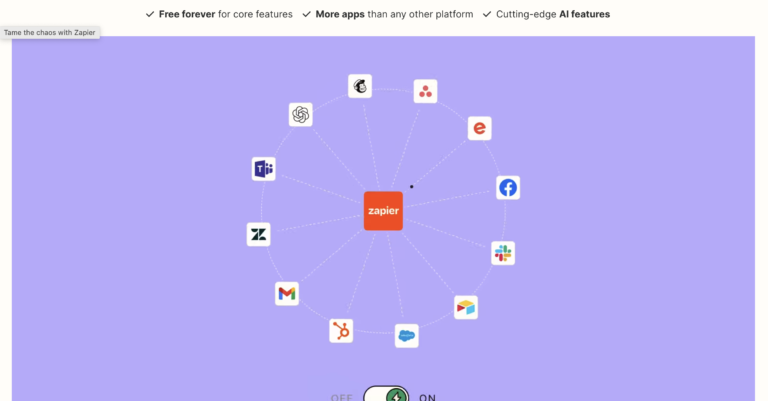
Plan a small automation, test its trigger and failure cases, and confirm current plan requirements before expanding it.
Cookies and privacy
Necessary cookies keep the site working. With your consent, Google Analytics helps us measure audiences and visits to Tissyo products. You can accept or decline this measurement and change your choice at any time.